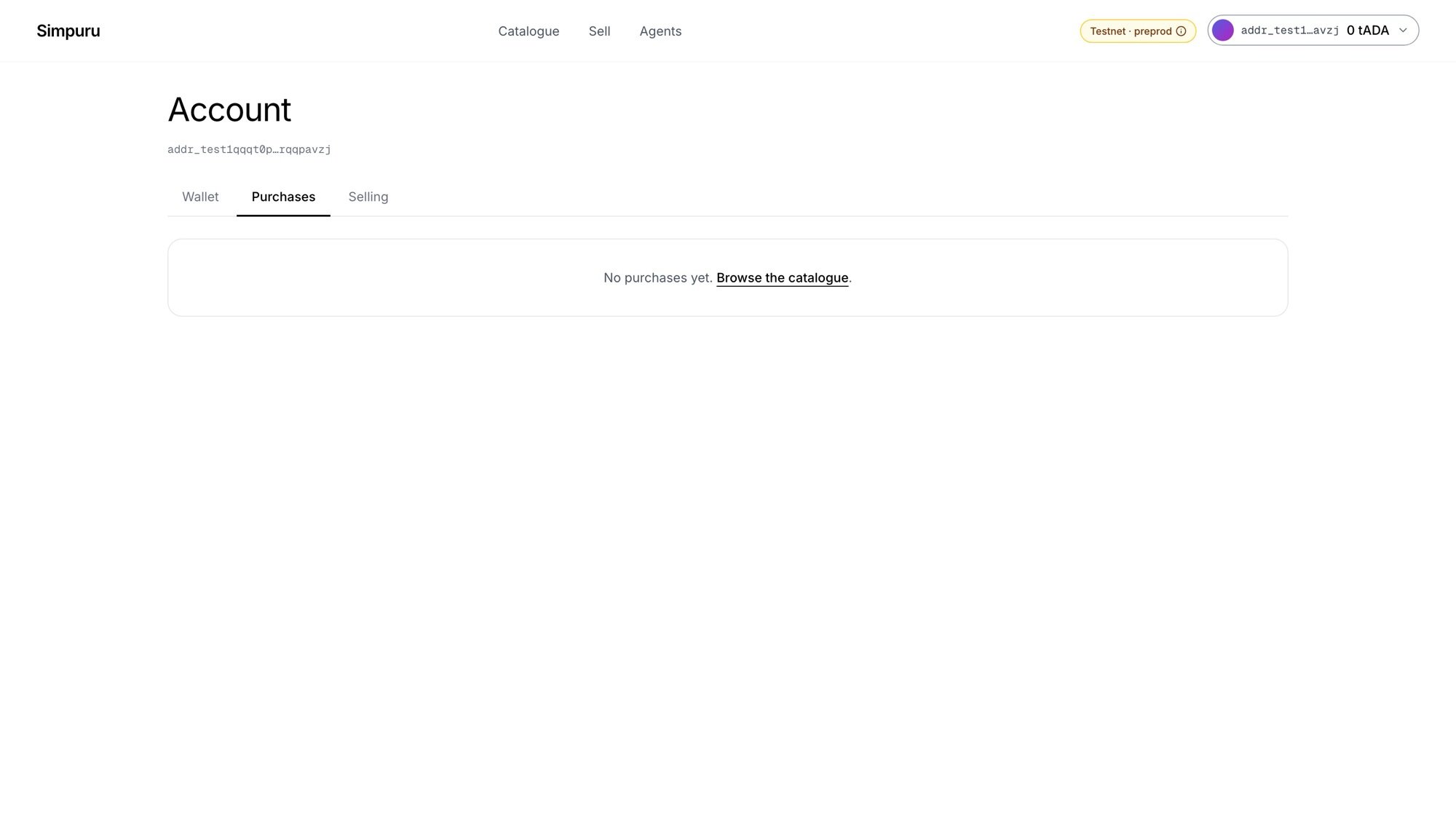
The purchases tab

Account → Purchases

Account → Purchases lists every purchase with its mode, price, status and date:
  • Open shows the prompt again, for free.
  • Timeline opens the purchase’s page with every on-chain step.
  • Protected purchases show the deadline they are waiting on, for example refund if no delivery by 14:03.

The timeline
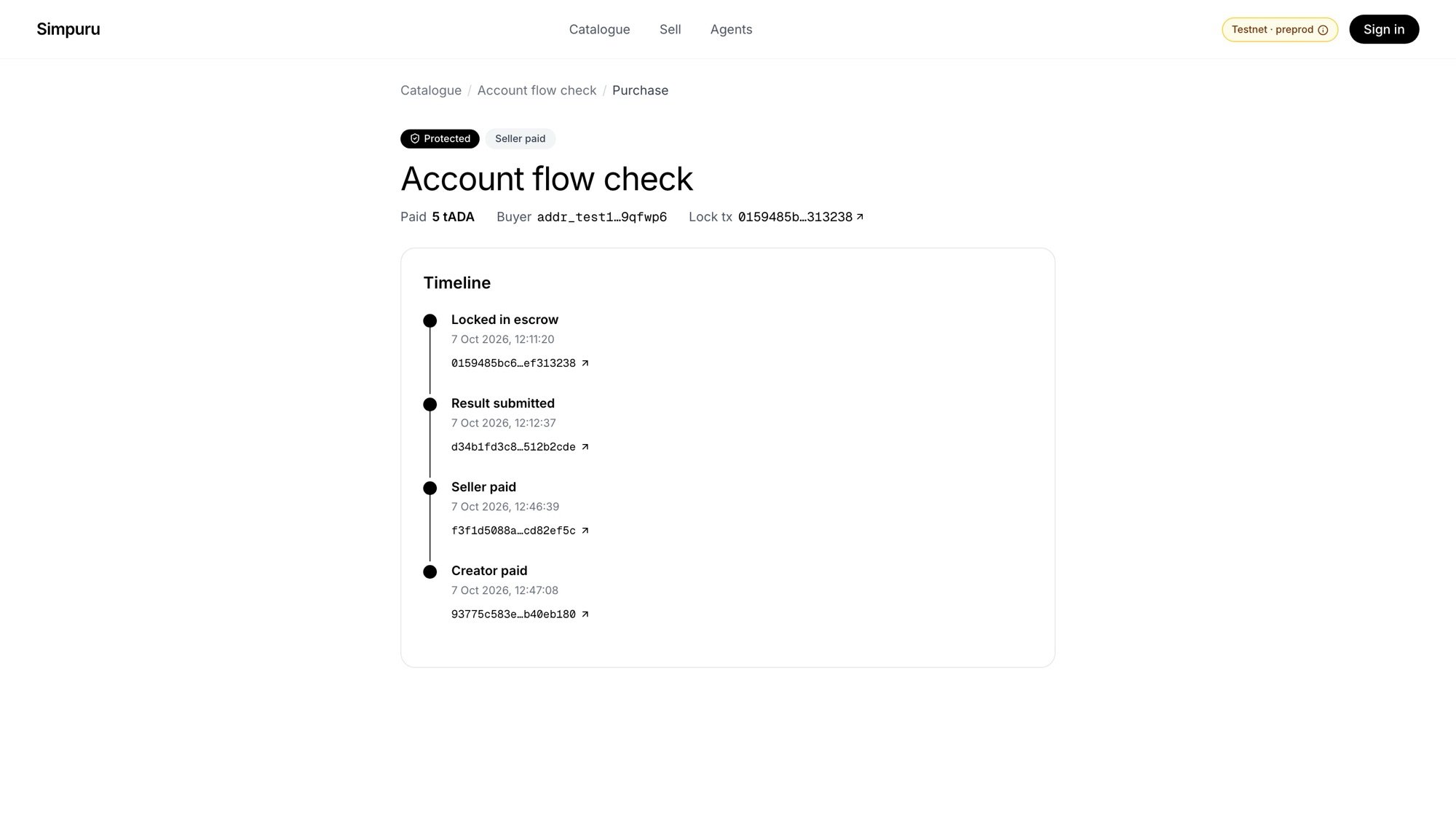
A purchase timeline: locked in escrow, result submitted, seller paid, creator paid

A protected purchase from start to finish

Each step links its transaction on Cardanoscan (preprod). While a purchase is still open, the page counts down to the next deadline and shows what happens then.