

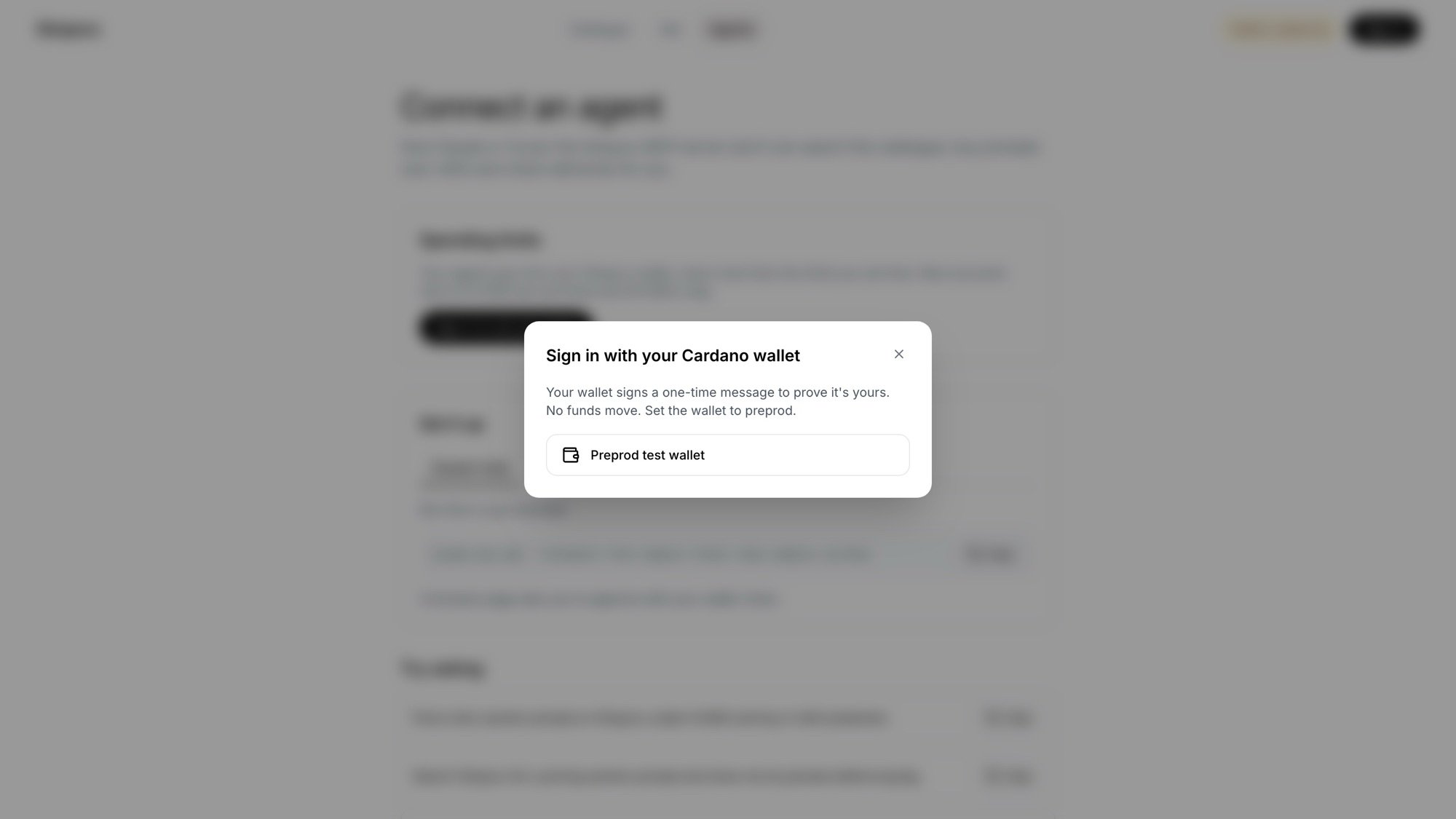
Sign in with your Cardano wallet
Before you start
Steps
1
Open the app
Go to app.simpuru.xyz and click Sign in at the top right.
2
Pick your wallet
The dialog lists every Cardano wallet found in your browser. Pick yours.
3
Sign the message
Your wallet asks you to sign a one-time message. It proves the wallet is yours; nothing is paid and nothing leaves your wallet.
4
You're in
The top right now shows your short address and your Simpuru wallet balance. Its menu has Account, Selling, Connect an agent and Sign out.
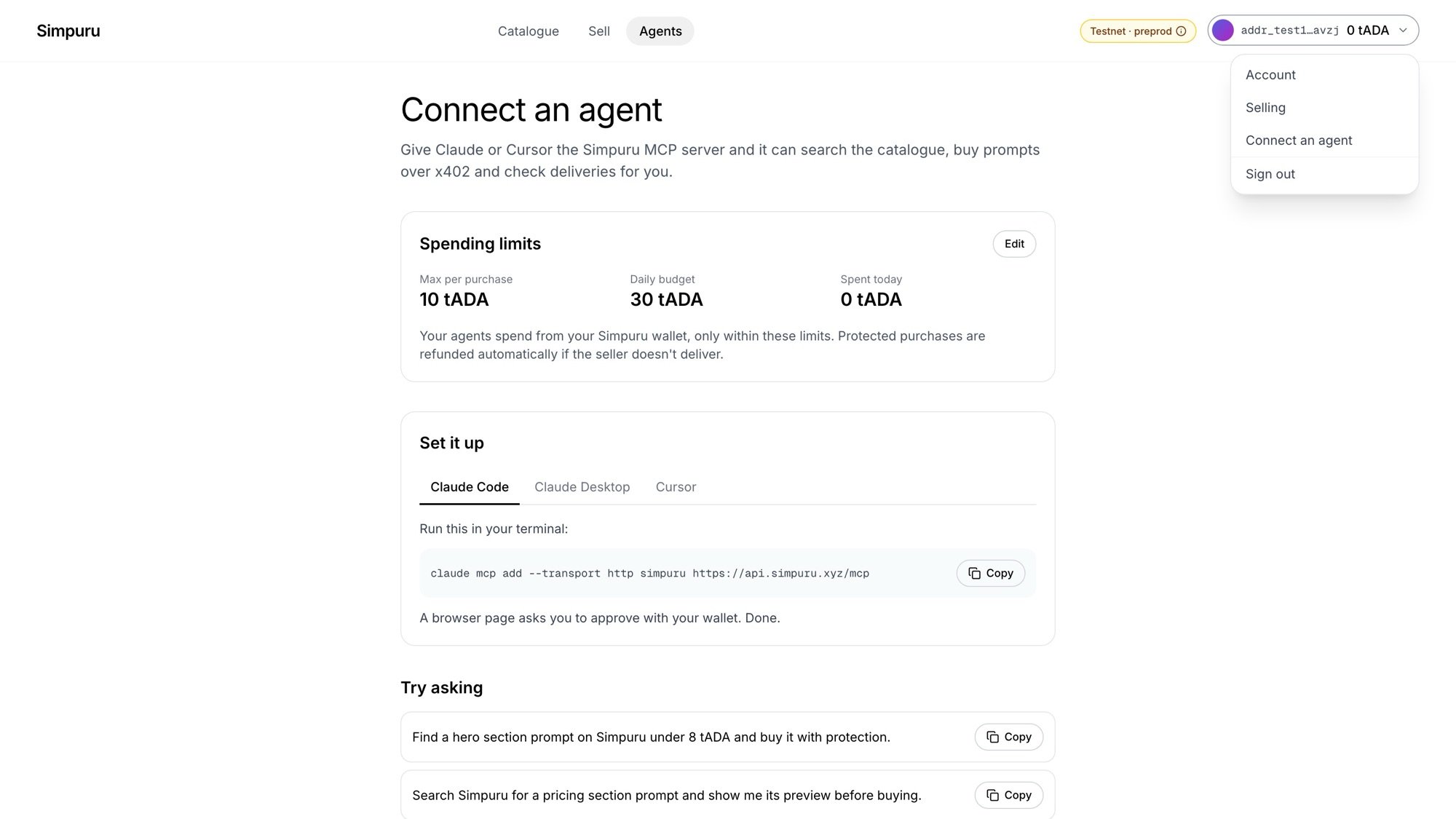
Signed in: your address, your balance and the menu
Good to know
- A session lasts 7 days. Sign out from the menu at any time.
- The first sign-in creates your account and its Simpuru wallet.
- If your wallet is on another network, the app asks you to switch it to preprod.
- The Testnet · preprod badge in the top bar is always there to remind you that test ADA has no value.
Next: fund your Simpuru wallet
Get free test ADA and send it to the wallet you spend from.