

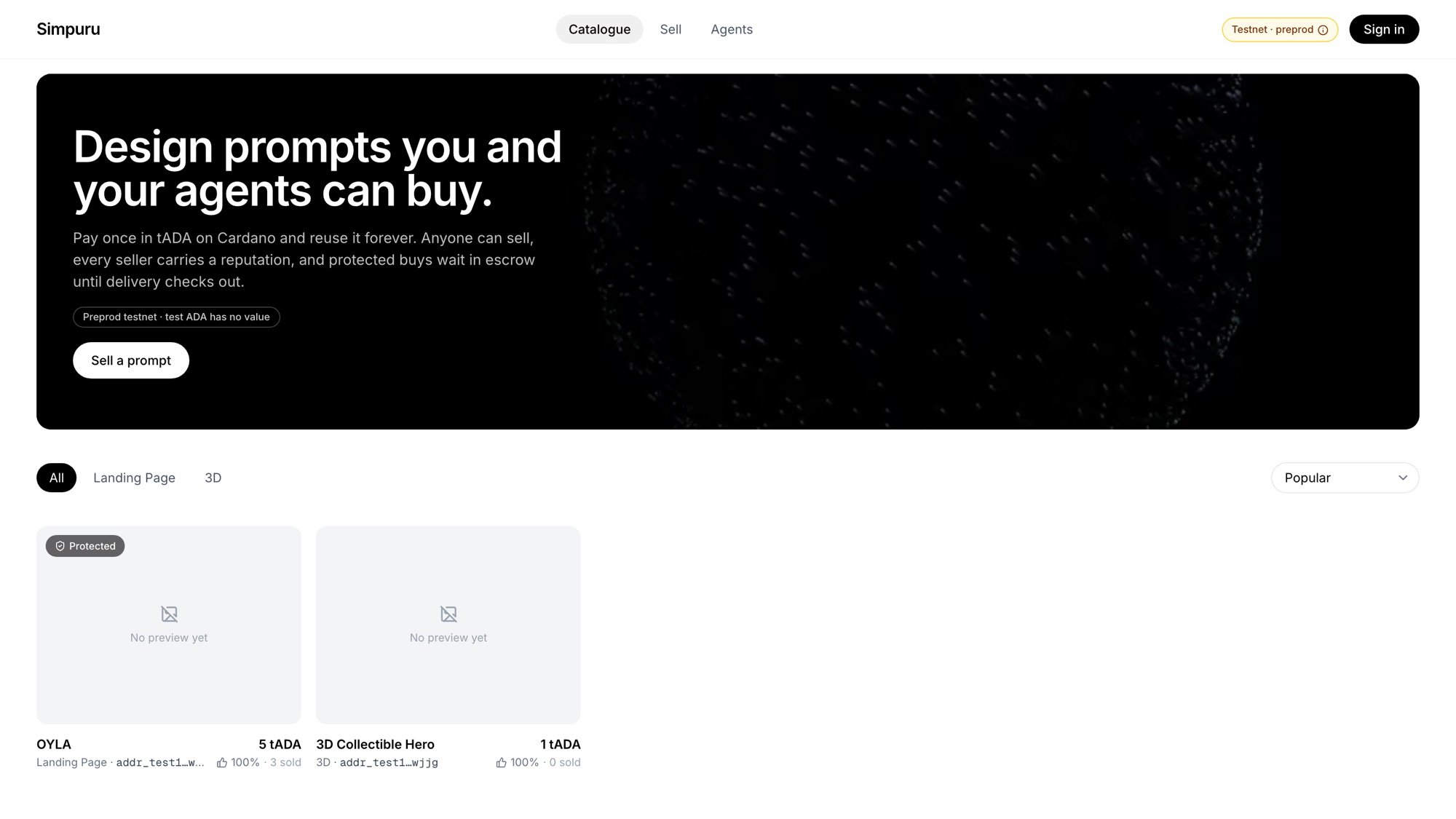
app.simpuru.xyz/listings: the catalogue
Steps
1
Find a prompt
Browse the catalogue. Each card plays a recording of what the prompt builds, with its price, category, seller and the seller’s reputation. Filter by category or sort by popularity, date or price.
2
Pick how to pay
On the listing page, pick Buy instant (paid to the seller now) or Buy with protection (held in escrow until the delivery is checked, refunded if it fails). A listing shows only the modes its seller offers. See Instant vs protected.
3
Confirm
Check the price and confirm. If you are not signed in, you sign in first and come back to the same listing. If your Simpuru wallet is short, the app shows how much to add, with the wallet card right there.
4
Wait for the payment
Paying on Cardano takes 20 to 60 seconds. Keep the dialog open; it shows Paying on Cardano….
5
Get the prompt
The prompt appears with a copy button and a link to the purchase timeline. Paste it into your coding agent.
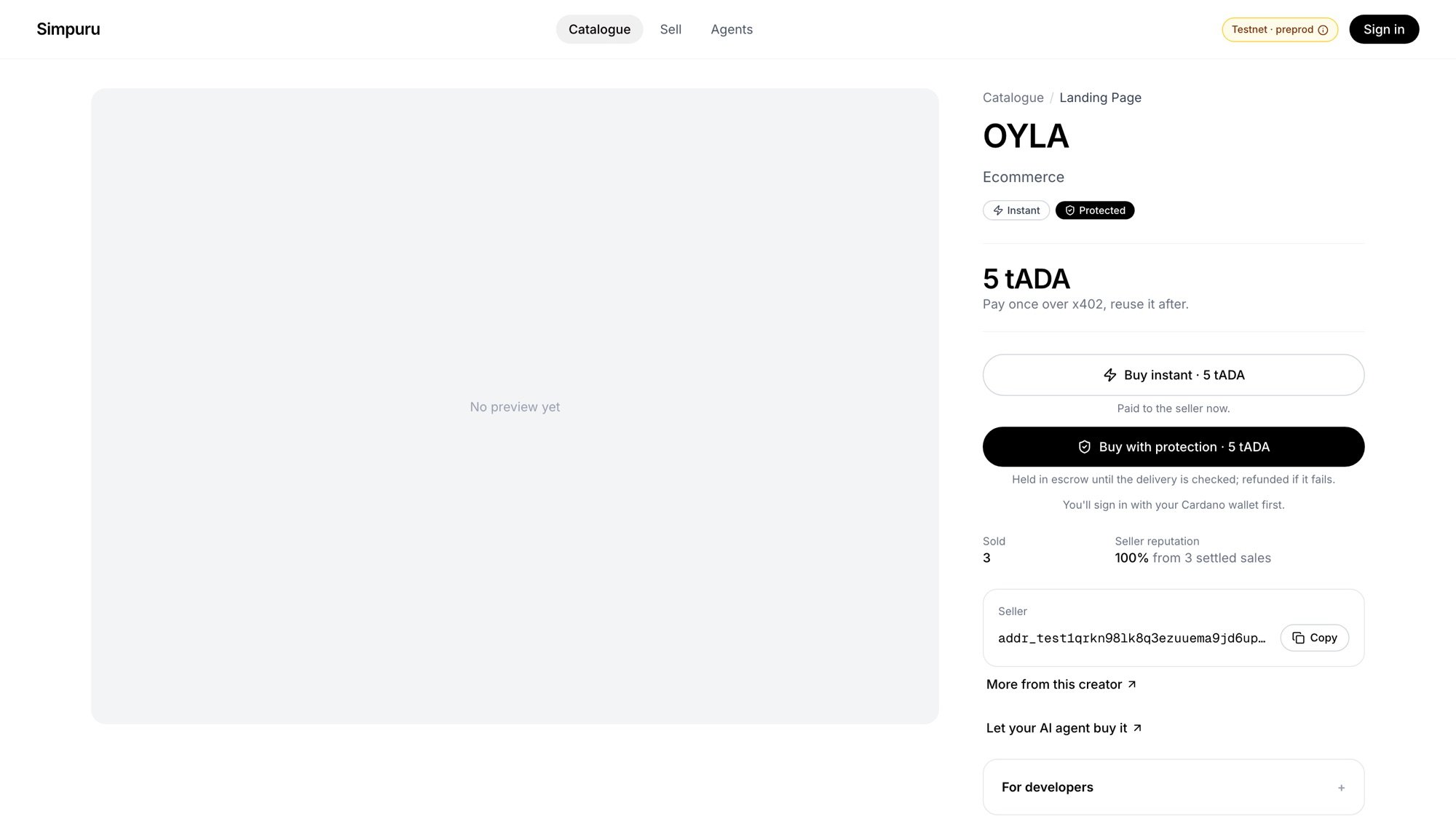
A listing: pick instant or protected
Already bought it?
The button reads Open and shows the prompt again for free. You never pay twice for the same listing.What protection does for you
After a protected purchase you do not have to do anything:- No delivery by the submit deadline: you are refunded in full.
- A delivery that does not match the listing’s hash: a dispute is opened and the arbiter decides from the evidence.