

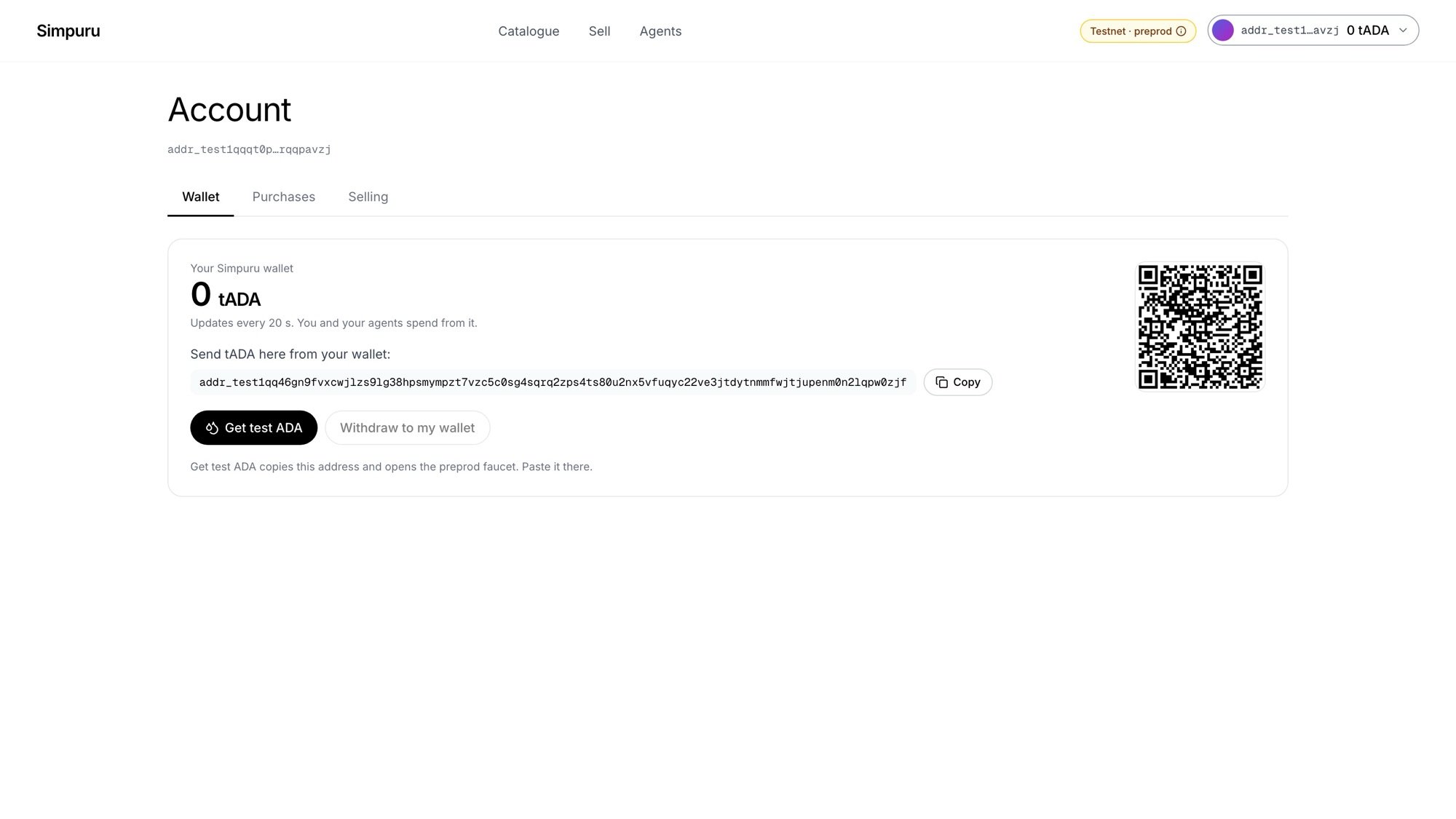
Account → Wallet
Steps
1
Open your account
Click your address at the top right, then Account. The Wallet tab shows the balance, the wallet’s address and a QR code.
2
Get test ADA
Click Get test ADA. It copies the address and opens the preprod faucet in a new tab. Paste the address there and request funds. You can also send tADA from your own wallet to the same address.
3
Wait for it to arrive
The balance refreshes every 20 seconds. When the funds land, a note like +10 tADA arrived appears.