> ## Documentation Index
> Fetch the complete documentation index at: https://docs.simpuru.xyz/llms.txt
> Use this file to discover all available pages before exploring further.
# Sign in
> Your account is your Cardano wallet. Signing in moves no funds.
 ## Before you start
* A Cardano wallet extension, for example [Eternl](https://eternl.io) or [Lace](https://www.lace.io)
* The wallet switched to the **preprod** network
## Steps
Go to [app.simpuru.xyz](https://app.simpuru.xyz) and click **Sign in** at the top right.
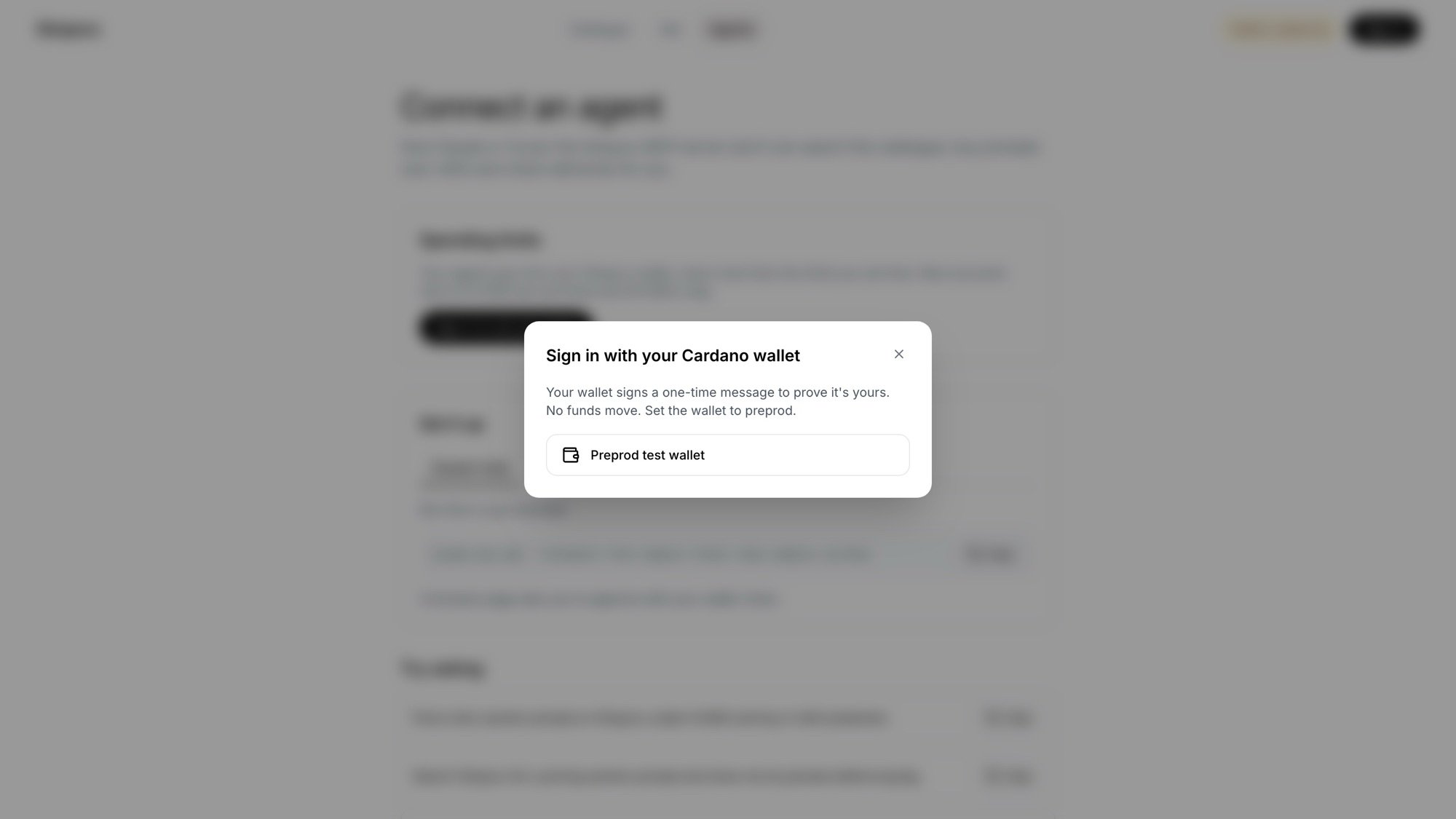
The dialog lists every Cardano wallet found in your browser. Pick yours.
Your wallet asks you to sign a one-time message. It proves the wallet is yours; nothing is paid and nothing leaves your wallet.
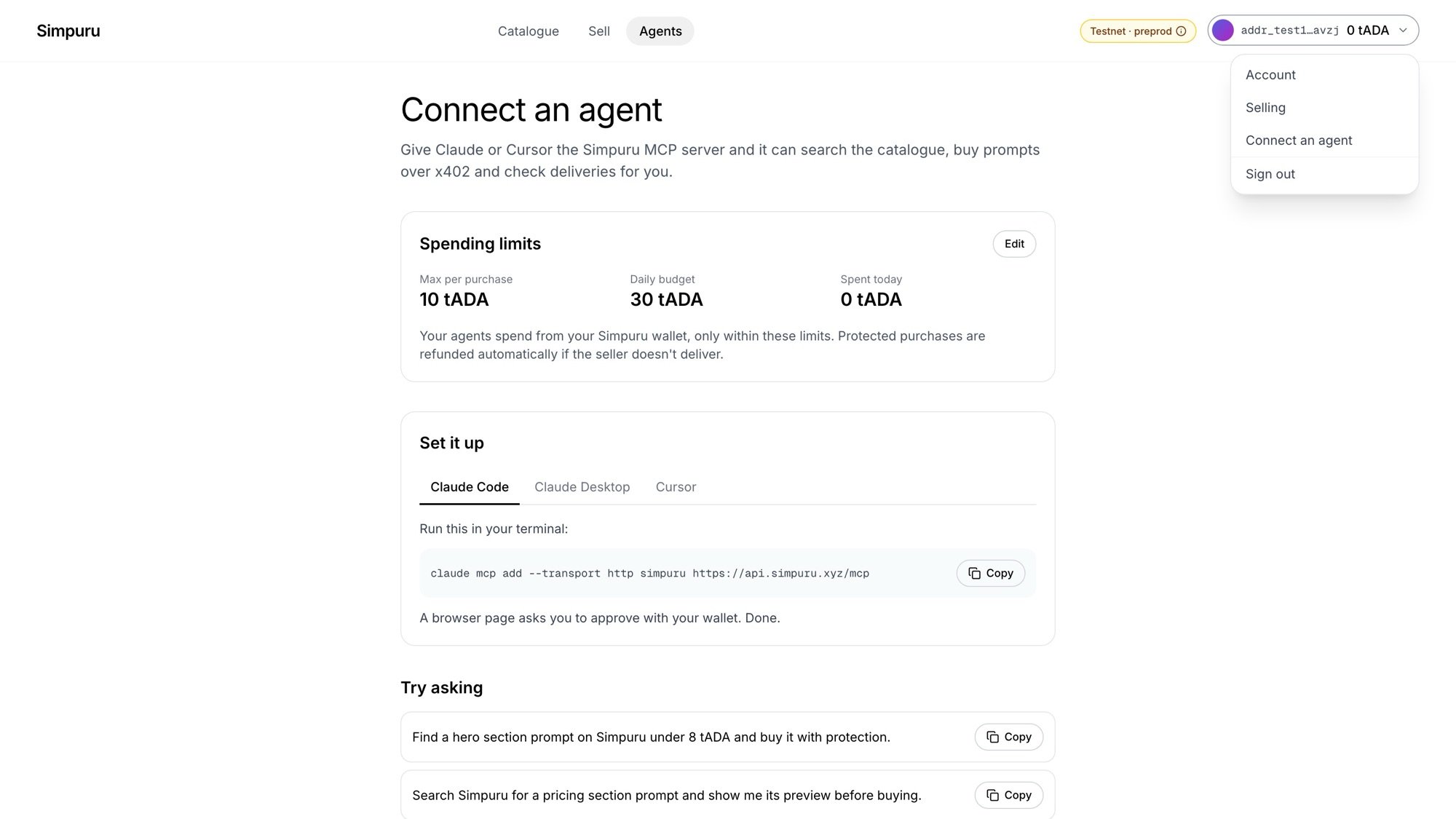
The top right now shows your short address and your Simpuru wallet balance. Its menu has Account, Selling, Connect an agent and Sign out.
## Before you start
* A Cardano wallet extension, for example [Eternl](https://eternl.io) or [Lace](https://www.lace.io)
* The wallet switched to the **preprod** network
## Steps
Go to [app.simpuru.xyz](https://app.simpuru.xyz) and click **Sign in** at the top right.
The dialog lists every Cardano wallet found in your browser. Pick yours.
Your wallet asks you to sign a one-time message. It proves the wallet is yours; nothing is paid and nothing leaves your wallet.
The top right now shows your short address and your Simpuru wallet balance. Its menu has Account, Selling, Connect an agent and Sign out.
 ## Good to know
* A session lasts **7 days**. Sign out from the menu at any time.
* The first sign-in creates your account and its [Simpuru wallet](/guides/fund-your-wallet).
* If your wallet is on another network, the app asks you to switch it to preprod.
* The **Testnet · preprod** badge in the top bar is always there to remind you that test ADA has no value.
Get free test ADA and send it to the wallet you spend from.
This documentation is built and hosted on [Mintlify](https://mintlify.com), a developer documentation platform.
## Good to know
* A session lasts **7 days**. Sign out from the menu at any time.
* The first sign-in creates your account and its [Simpuru wallet](/guides/fund-your-wallet).
* If your wallet is on another network, the app asks you to switch it to preprod.
* The **Testnet · preprod** badge in the top bar is always there to remind you that test ADA has no value.
Get free test ADA and send it to the wallet you spend from.
This documentation is built and hosted on [Mintlify](https://mintlify.com), a developer documentation platform.